Introduction
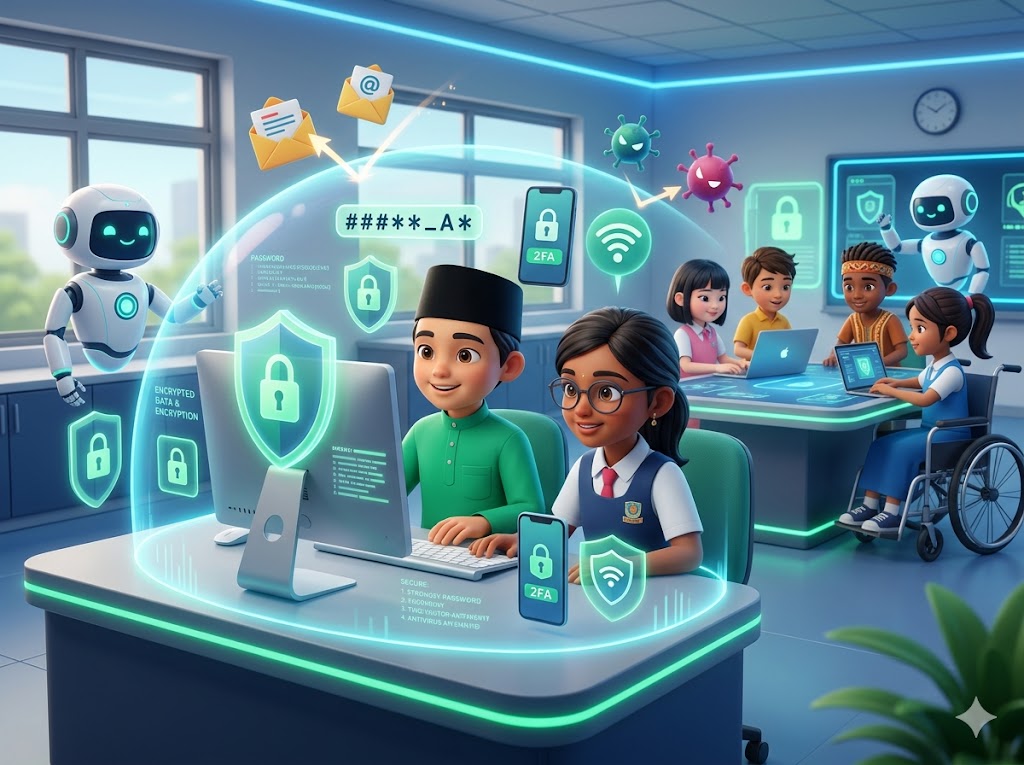
The internet is for learning, playing, and connecting. To enjoy it safely, we need smart digital habits - like looking both ways before crossing a street.
Signs
- Your accounts are public without you realising it.
- You use the same password across many sites.
- Strangers know your school name, schedule, or location.
- You receive friend requests from suspicious profiles.
What you can do
- Set your social accounts to private - only real friends can see.
- Use unique, strong passwords (try a three-word phrase + number).
- Turn on two-factor authentication (2FA) on important accounts.
- Think twice before sharing photos that show your school, address, or badge.
- You have the right to take your photos back - report them in-app if someone shares them.
When to get help
If anyone threatens to share intimate images, or you suspect your account has been hacked, tell an adult immediately and file a report on HeroFriends.
After you read
If you or someone you care about is going through this, you can file a confidential report. Every report is handled by trained HeroFriends officers under the Anti-Bullying Act 2026.
Make a Report Now